How do I change the appearance back to what I had? And drop the “post must be at least 54 characters” bs.
1 Like
They fixed the stupid blank screen at the top, which is a big improvement. But now the background is bright white. Call me racist but I prefer a black background and cannot figure out how to change it. Well, at least someone is trying to fix things around here.
1 Like
The site has died and gone to heaven. No more black.
1 Like
No biggie for yall but I’ll be punching if this blinding white background isn”y soon remedied.
I had changed mine from the original color (I don’t remember anymore what it was) to beige.
I don’t remember how I did it, it is easier on the eyes than the stark white when the page opens before I sign in.
I’ll poke around this afternoon and see if I can find how I did it.
This is what I did to change mine to black. Go to your username, under preferences, select interface.
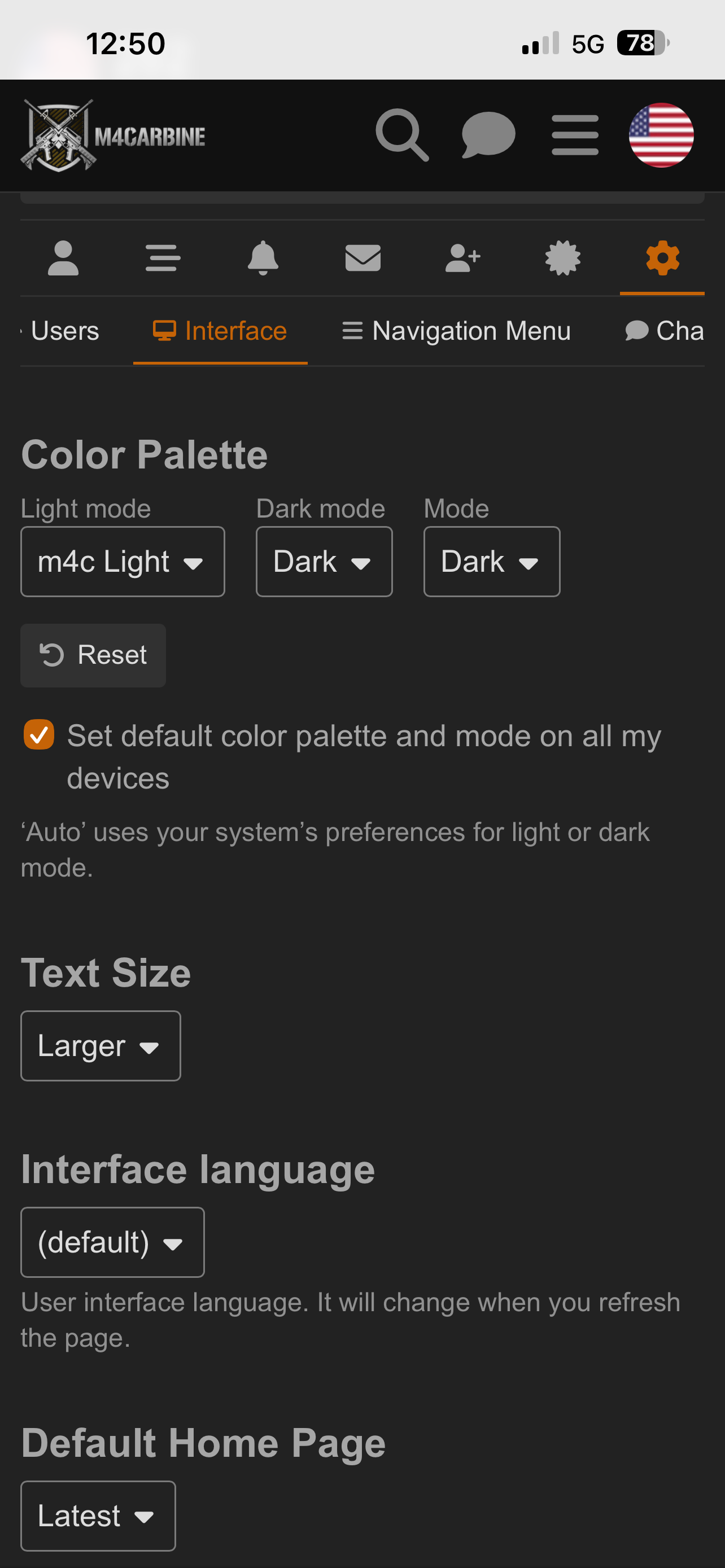
3 Likes
That worked, thanks!
1 Like
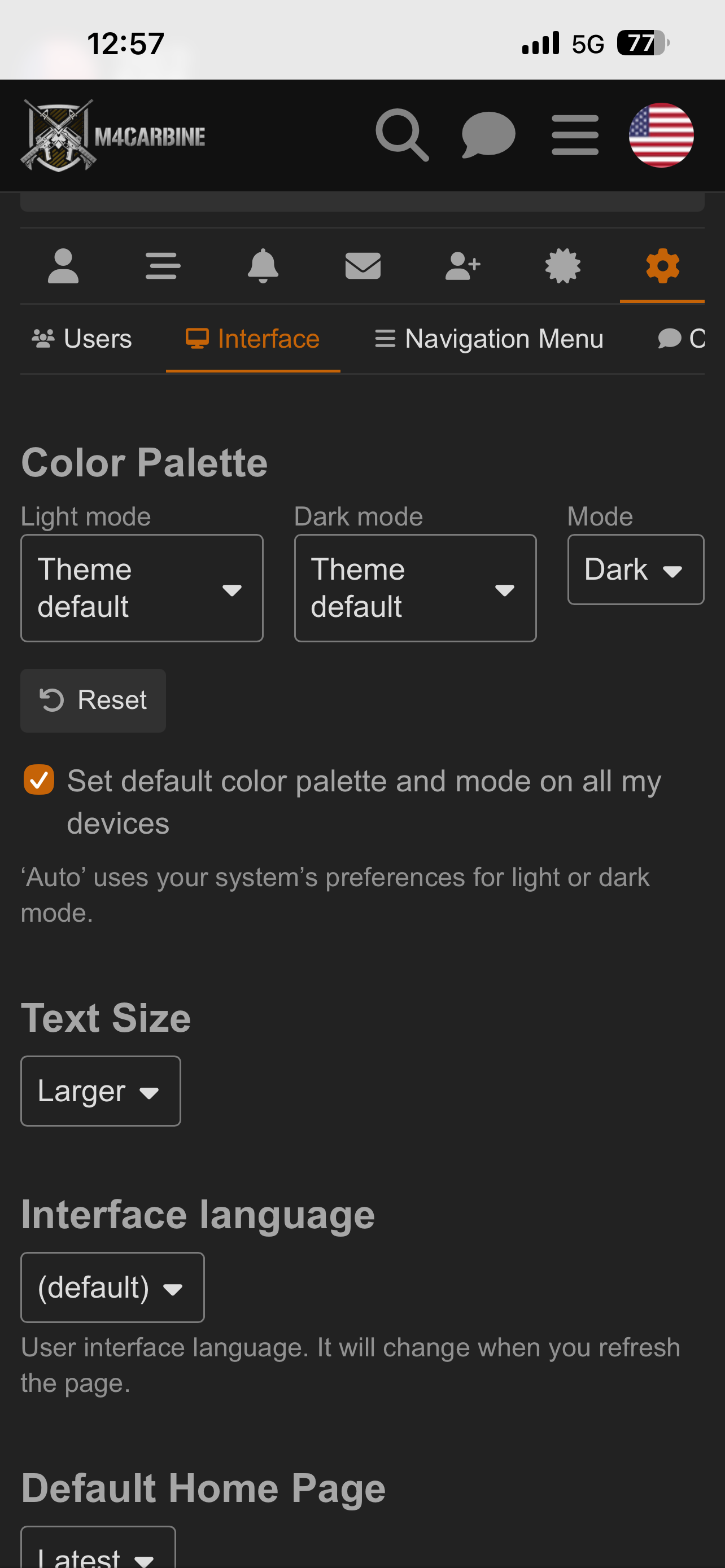
Glad to help. 
Thanks. Got it. For me, it took a while to locate preferences / theme defaults. Somebody needs their butt whipped for this “robust” redo.
1 Like
Sure wish they’d stop f’ing with the site. Getting very old. Like someone handed the car keys to a monkey.
1 Like
Change is good when it’s changing back to the way I liked it before.